
Resources
Everything you need to grow with Spot2Nite.
Growth tips from the operator blog, a quick-start guide for your check-in team, and real people when you need them.
Operator blog
Insights and growth tips for campground and RV park owners.
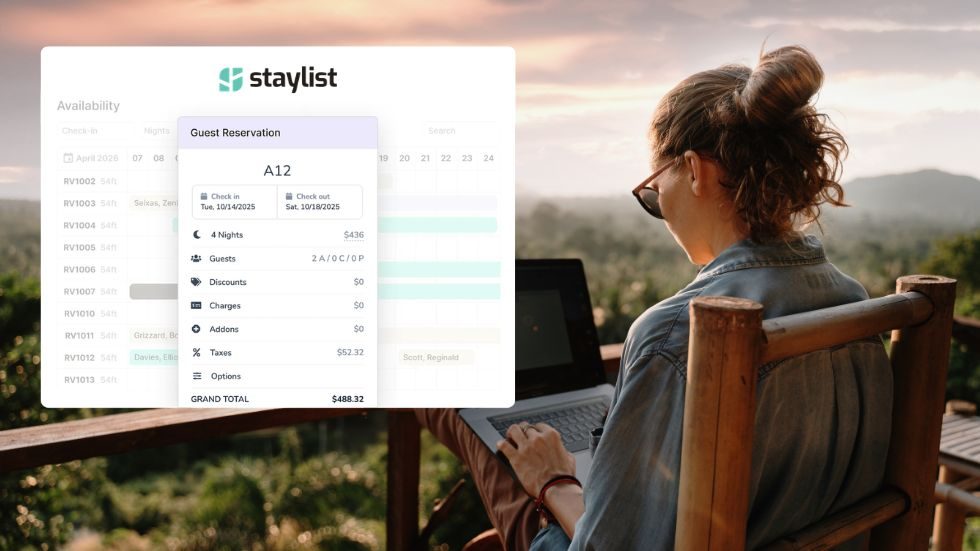 RV Park Management Software: Why Staylist Is Built for Modern Campground Operators
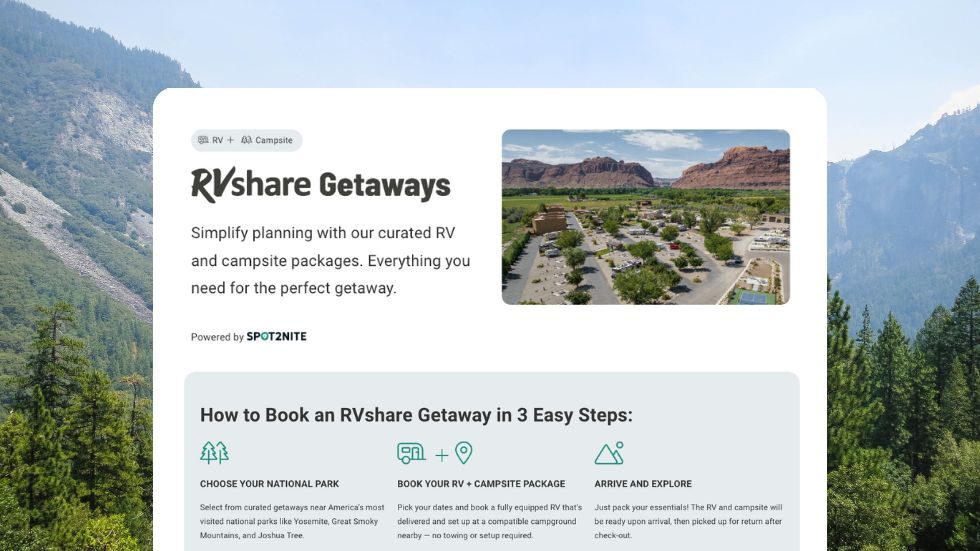 Drive More Campsite Bookings with RVshare Getaways, Powered by Spot2Nite
 RV Travel, Simplified: How Campgrounds Benefit from Outdoorsy Escapes
 Maximize Visibility and Bookings with Campground Views x Spot2Nite Featured Listings
 Spot2Nite’s PMS Partner Program: Why Your Campground Reservation Software Matters
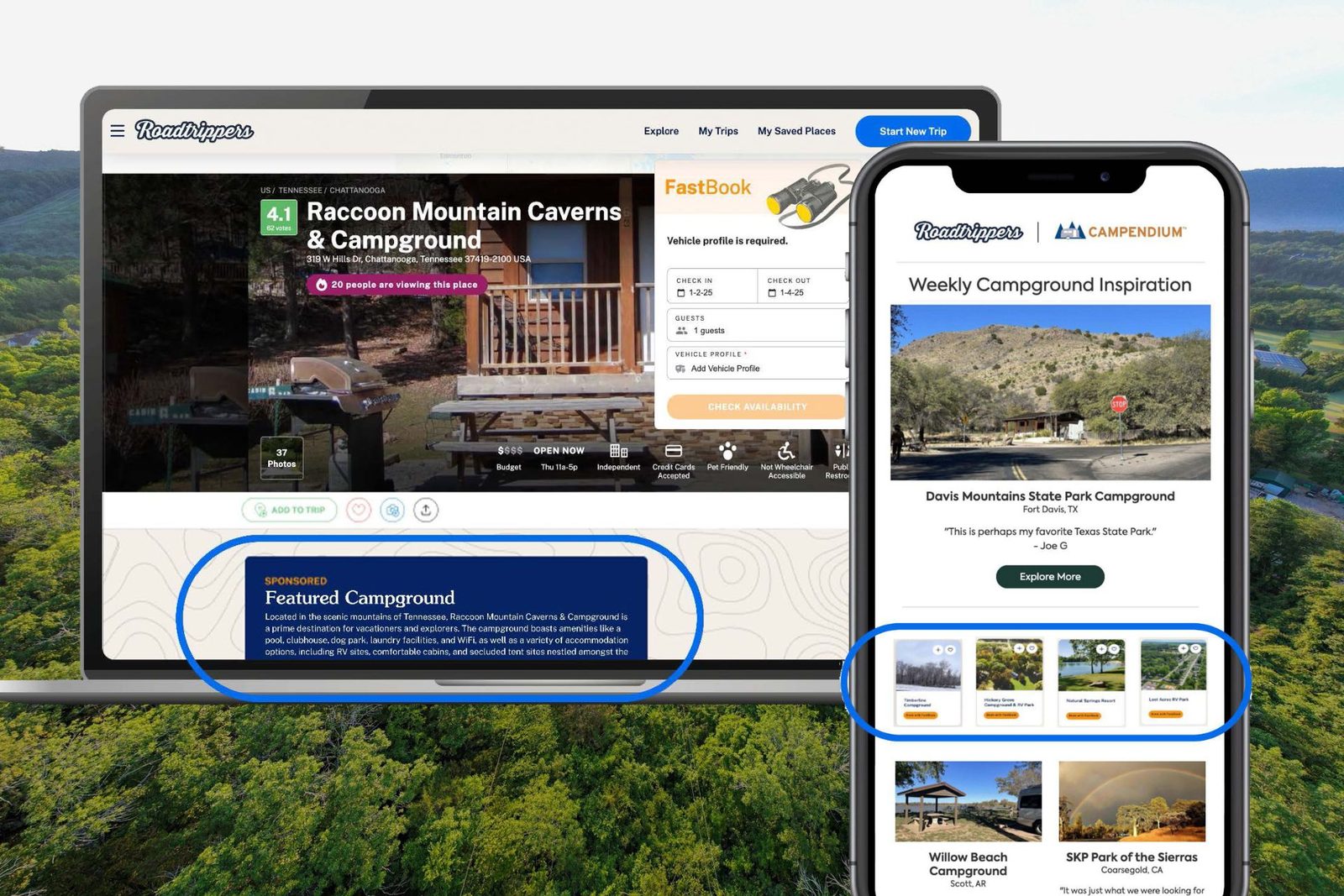 Roadtrippers + Spot2Nite Growth Package: An Exclusive Campground and RV Park Marketing Tool
Onboarding guide
Welcome to Spot2Nite. Here’s your quick start.
- Log in to your Park Operator Dashboard at dashboard.spot2nite.com.
- Go to Payout Settings and create your Stripe account (Staylist and RoverPass parks only).
- Review Profile Details and add search tags under “Park activities and features” — campers filter by them.
- Review and select your Cancellation Policy.
- Share your PMS’s Quick Reference Guide with your check-in team.
Payments: don’t charge the traveler
- Every Spot2Nite traveler arrives paid in full.
- Most integrations load a SpotTwoNite House Card to the folio, valid only for the exact stay amount. Others pay your bank directly.
- Need a card for incidentals? Add it as a secondary card so you don’t overwrite ours.
Help us help your guests
Let Park Relations know about anything unusual — water outages, road construction. Travelers most often ask about after-hours arrival, gate and bathhouse codes, Wi-Fi and site numbers, and we’re happy to share them on your behalf.
Help & contact
Real people, ready to help.
Park Relations
Questions about listing, your integration or advertising? Call, email or book a time.
877-778-2683parkrelations@spot2nite.comBook a callHelp & FAQ
Answers on payments, reservations, your dashboard and more in the Park Operator help center.
Visit the help center ↗Submit a request
Already listed and need support? Send a request and our team will follow up.
Contact support ↗